Your Finances, Self-Hosted
Take control of your finances with Cashlytics. Track income, expenses, and investments — all on your own server. No cloud, no tracking, just you.
Everything You Need
Powerful features to track and manage your personal finances, all running on your own infrastructure.
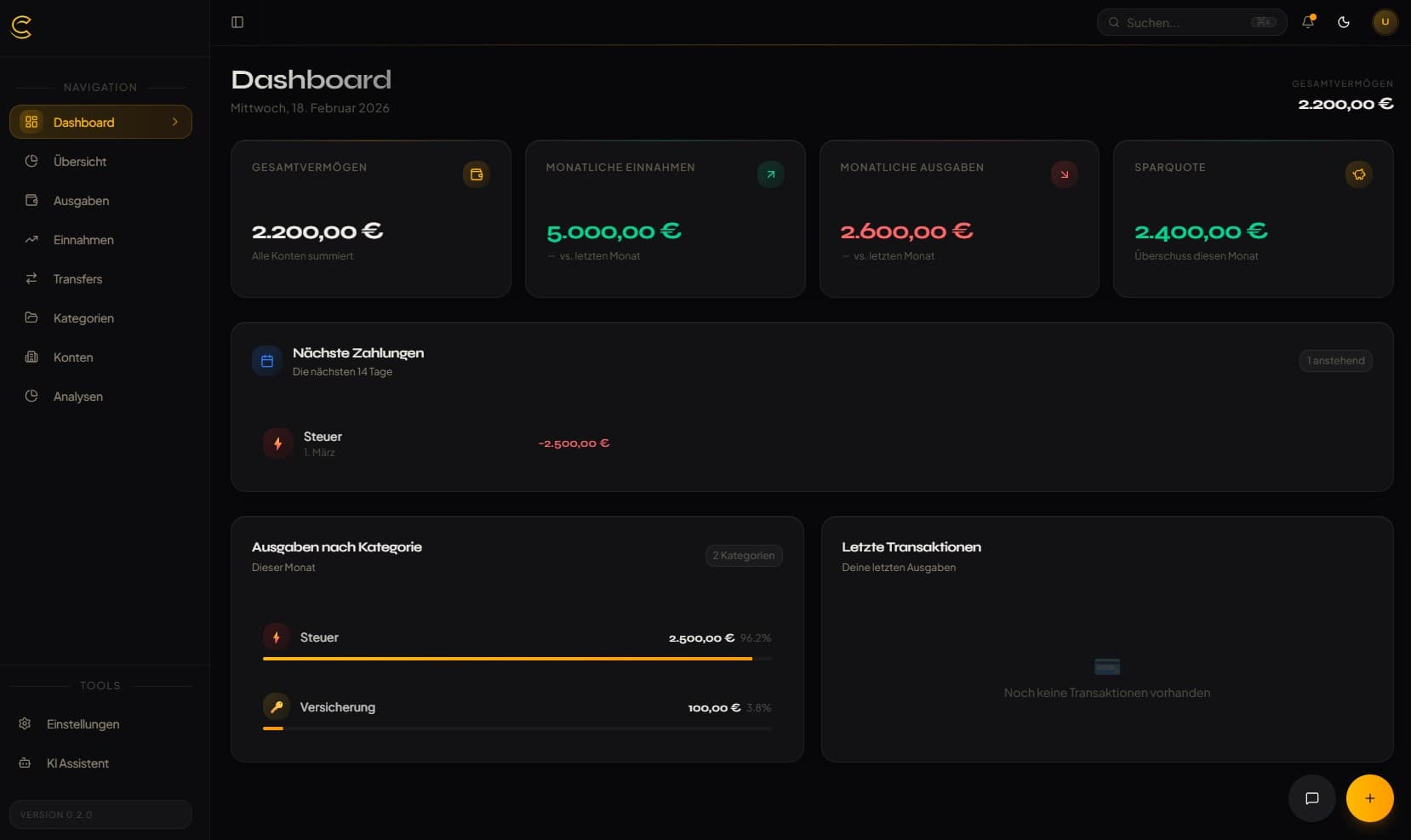
Dashboard Overview
Get a complete overview of your financial situation at a glance with beautiful KPI cards.
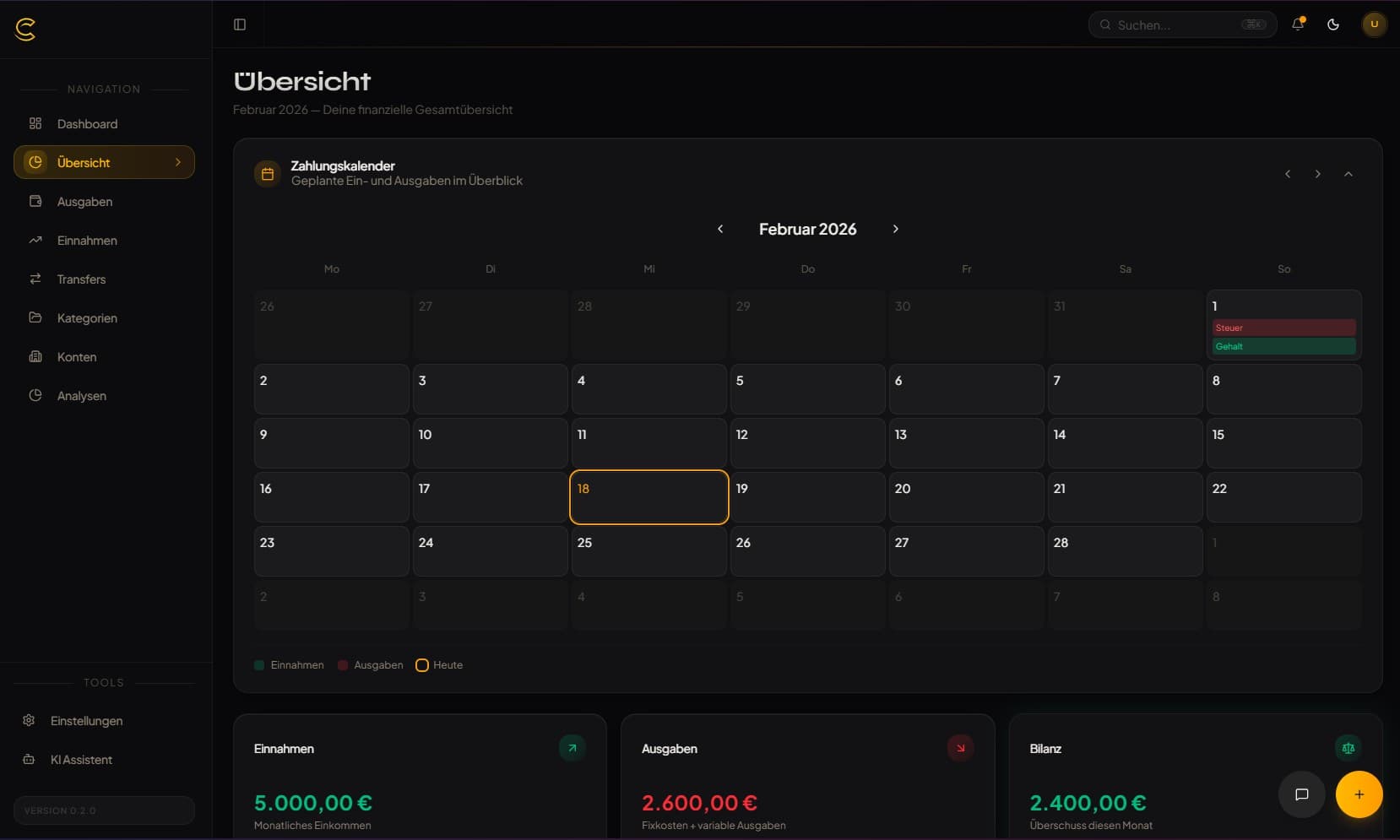
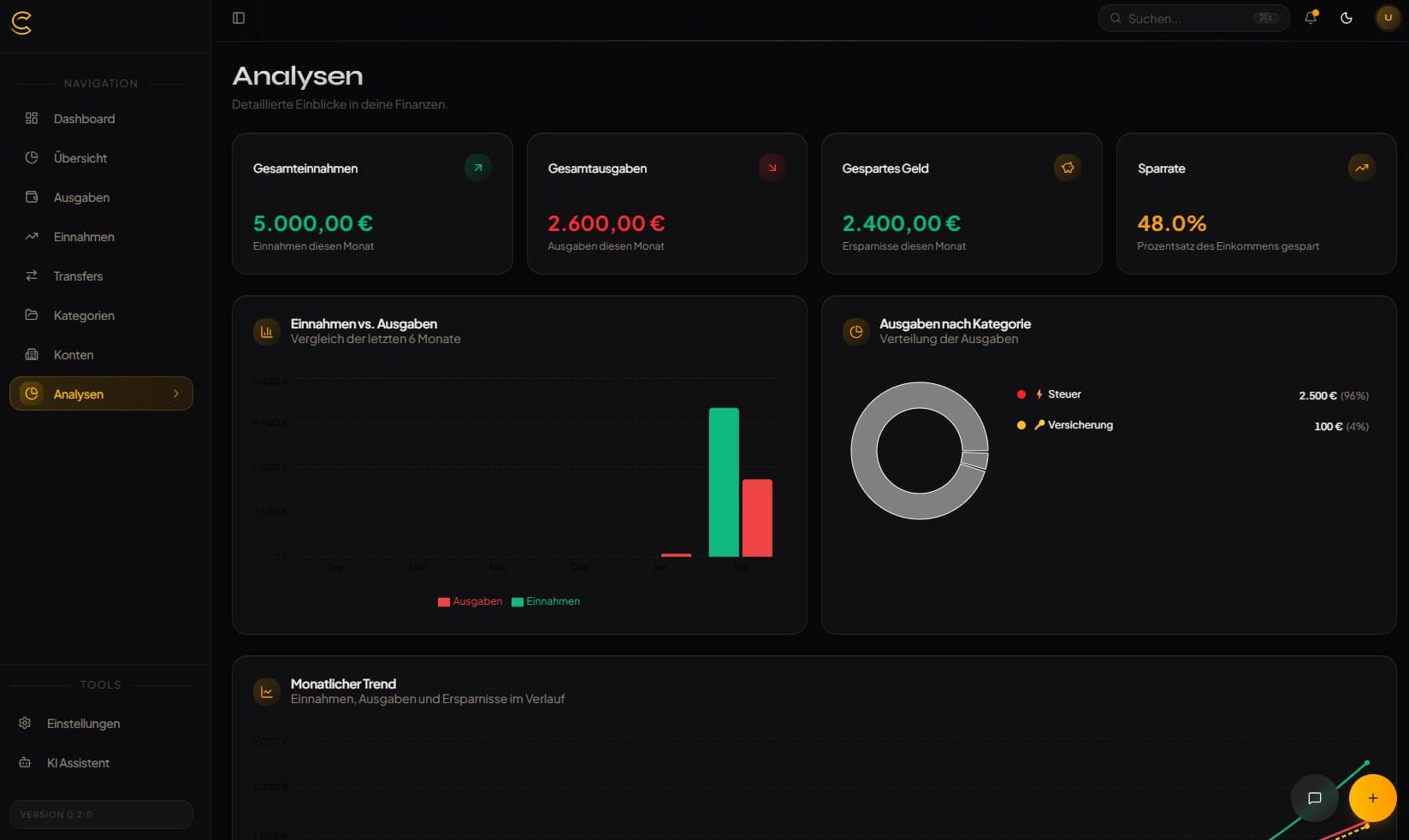
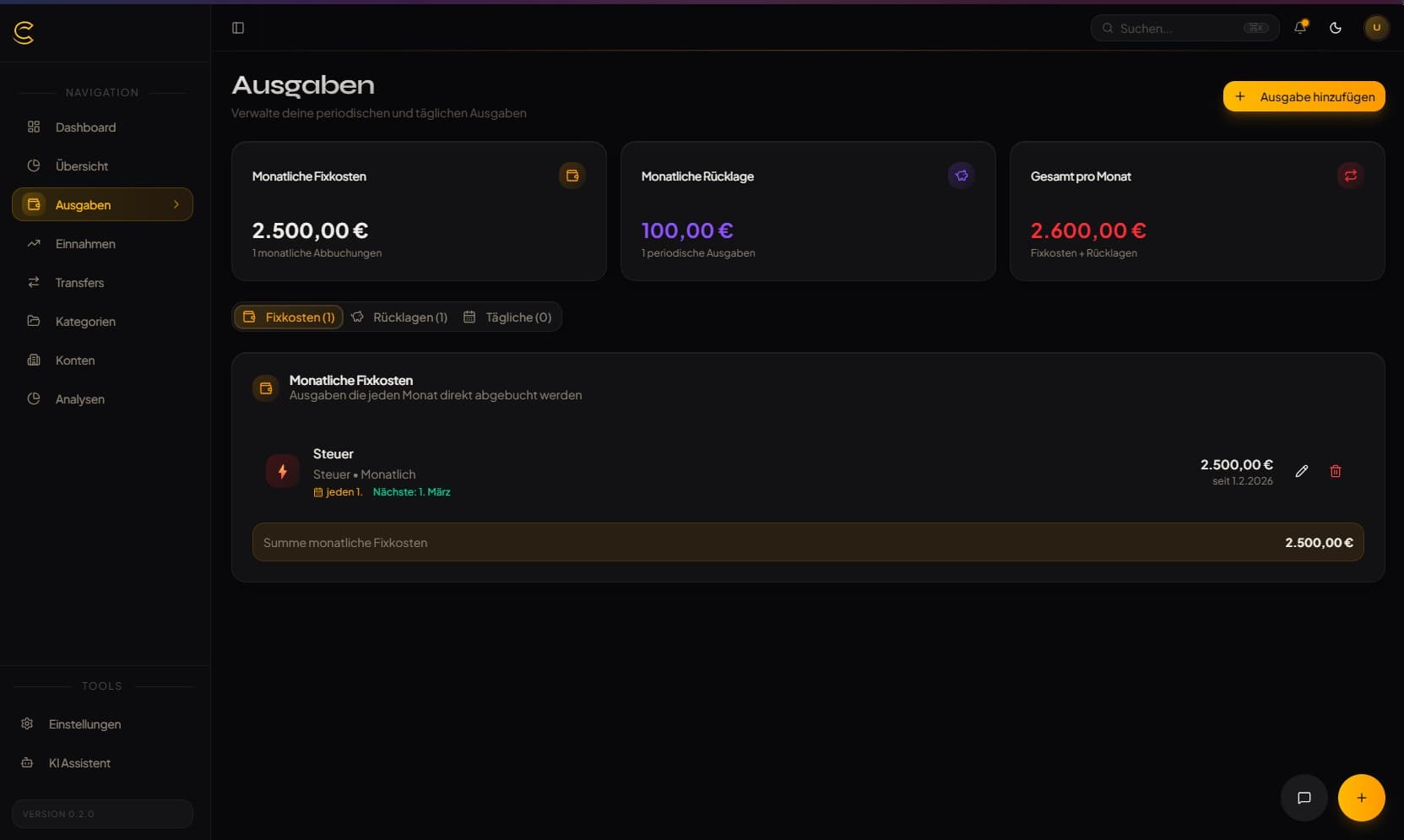
Analytics & Forecasting
Visualize spending trends and predict future balances with intelligent forecasting.
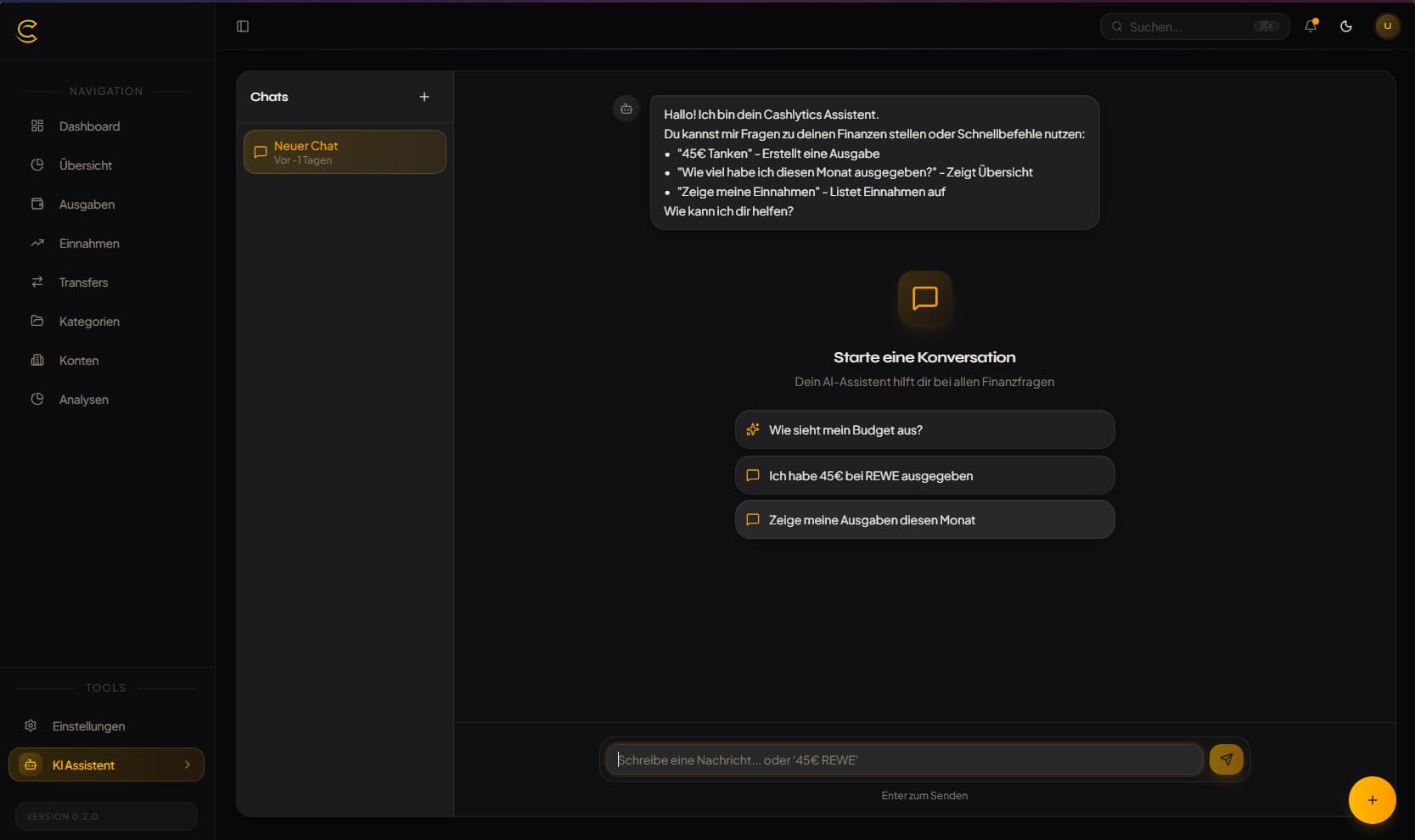
AI Assistant
Chat with an AI-powered financial assistant to get insights and manage transactions.
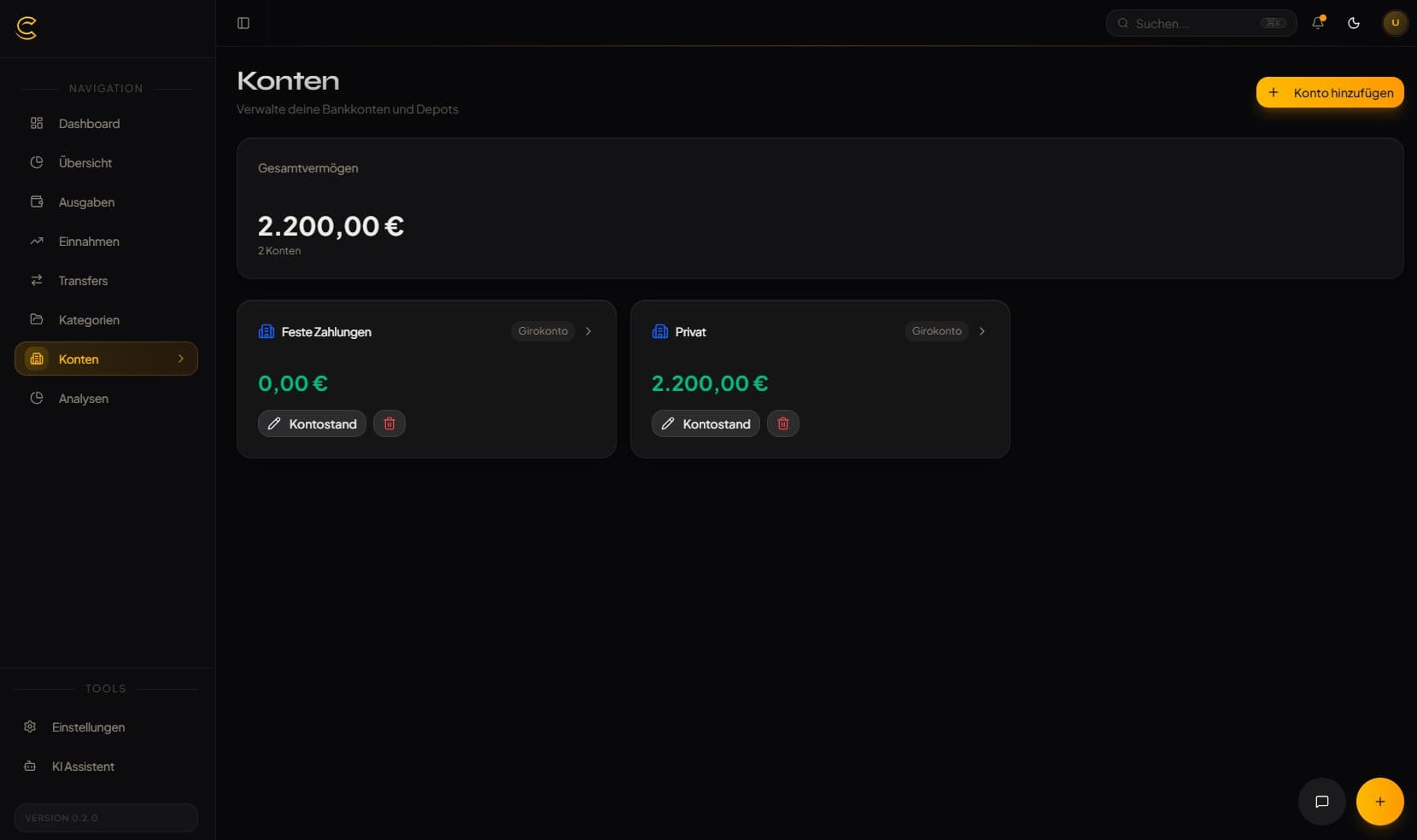
Multi-Account
Track checking, savings, and investment accounts all in one place.
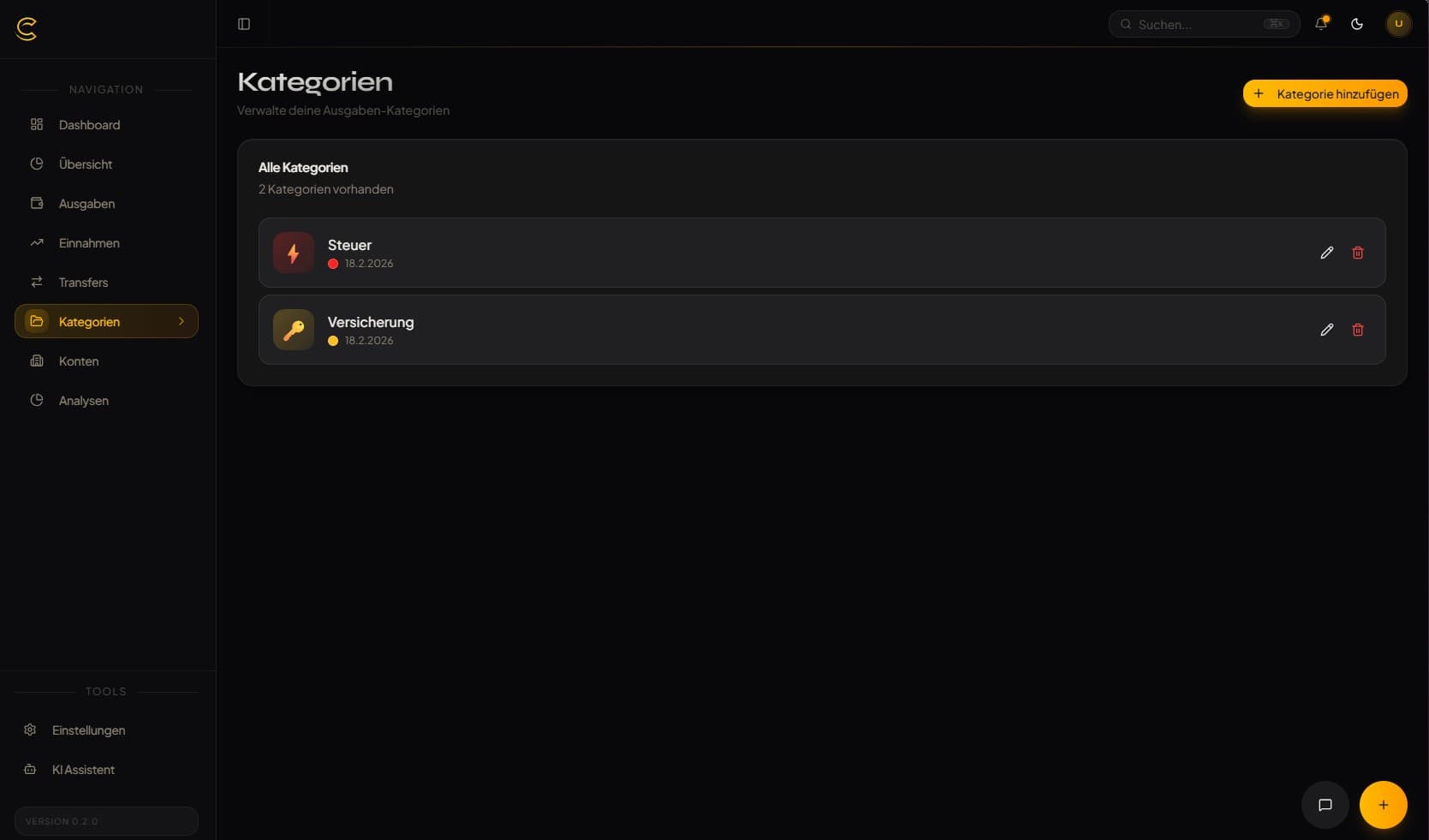
Custom Categories
Organize transactions with custom categories, icons, and colors.
Dark & Light Mode
Easy on the eyes with beautiful dark and light theme options.
See It In Action
A complete view of your financial life
Quick Start
Get Cashlytics running in under 5 minutes
Download & Configure
Download the docker-compose.yml and configure your environment variables.
mkdir cashlytics && cd cashlytics
curl -O https://raw.githubusercontent.com/aaronjoeldev/cashlytics-ai/main/docker-compose.selfhost.yml
curl -O https://raw.githubusercontent.com/aaronjoeldev/cashlytics-ai/main/.env.example
cp .env.example .envSet Password
Edit .env and set a secure database password.
# Edit .env
POSTGRES_PASSWORD=your_secure_password
DATABASE_URL=postgresql://cashlytics:your_secure_password@postgres:5432/cashlyticsStart Cashlytics
Run docker compose and access the app on port 3000.
docker compose -f docker-compose.selfhost.yml up -d

# Open http://localhost:3000
Built With Modern Tech
A robust stack for reliability and performance
Ready to Take Control?
Start tracking your finances today with Cashlytics. Self-hosted, private, and completely free.